In this post we will learn how to download Ubuntu from the official website (all versions), but before we begin we would like to welcome our dear visitors, welcome.
Definition of Ubuntu:
Ubuntu is a Linux-type operating system, used by many around the world. Ubuntu is characterized by a simple and easy-to-use interface. Ubuntu is considered the most widely used version of Linux.
How to search for an Ubuntu version:
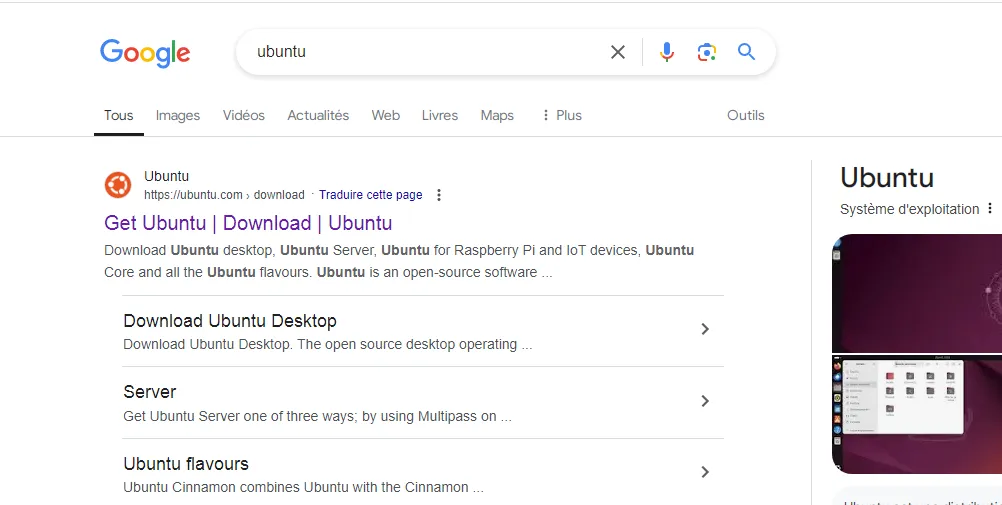
We go to a search engine like Google, type ubuntu and then go to the official website, as shown in the image below, or you can go directly from here.
How to download the latest version of Ubuntu:
First step:
After accessing the official website and agreeing to the cookies, you go to Download Ubuntu.
Step two:
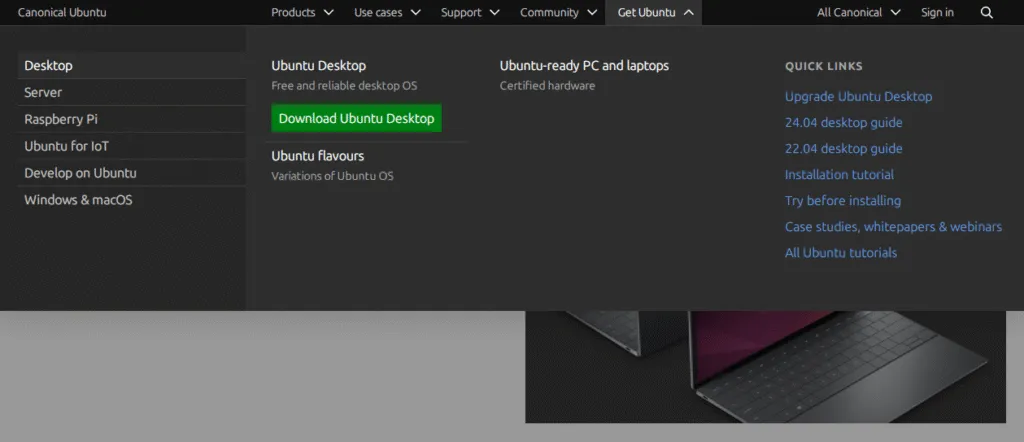
Click on Download Ubuntu Desktop, as shown in the image below.
Step three:
After clicking on Download Ubuntu Desktop, if you scroll down you will notice a recent version and it does not have LTS written next to it, as shown in the image below.
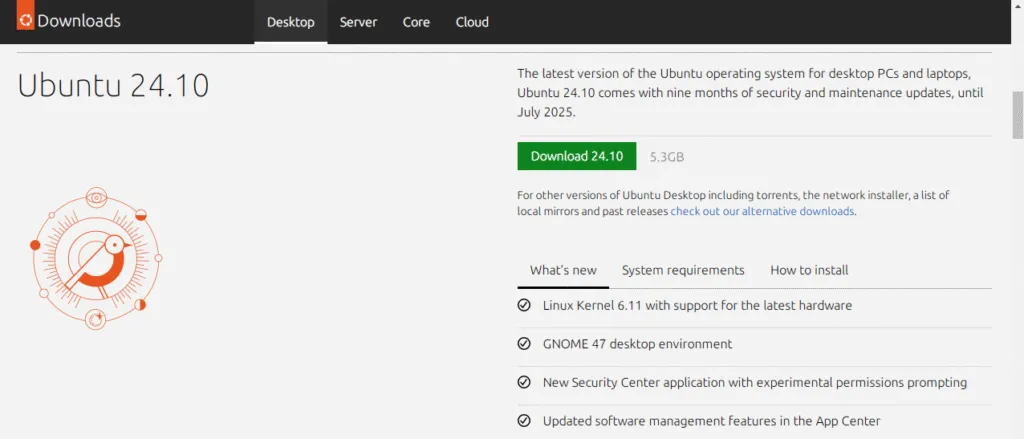
Warning; do not download this latest version, look for the version that has the word LTS written next to it, it is most likely at the top.
Step four:
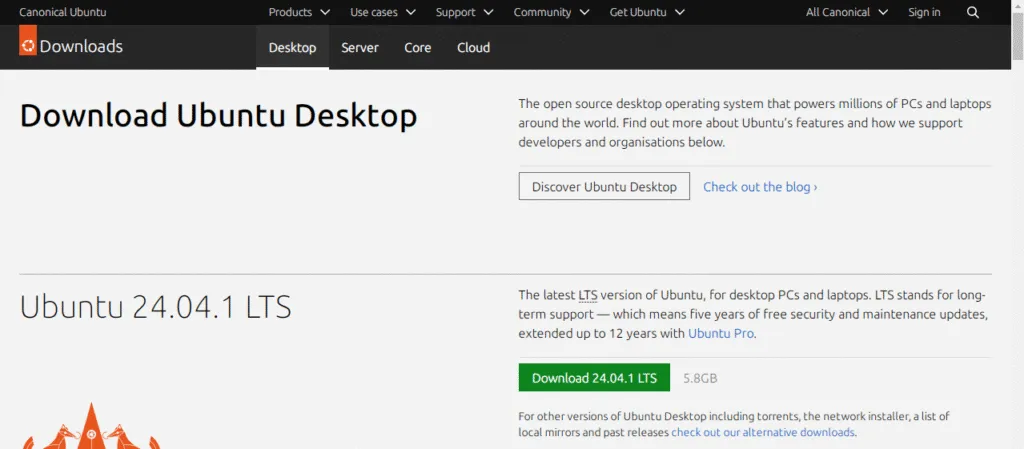
Select the version labeled “Download” followed by the version number and then “LTS” as shown in the image below.
Step five:
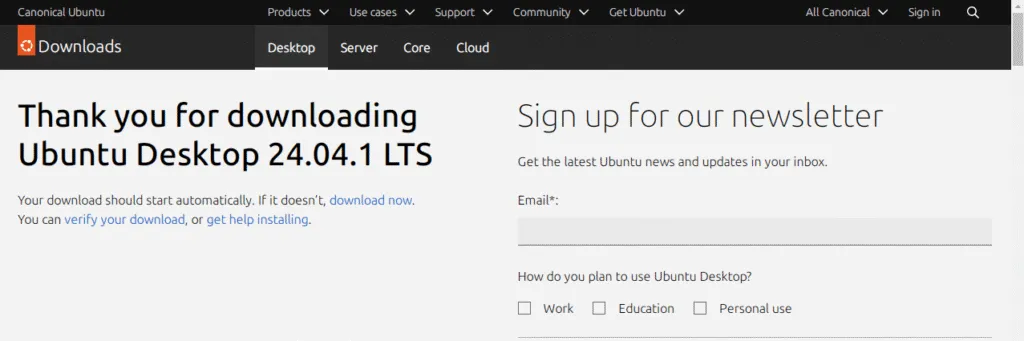
If the download process does not start, you can restart the download by clicking on “download now”, as shown in the image below.
How to download an old version of Ubuntu:
First step:
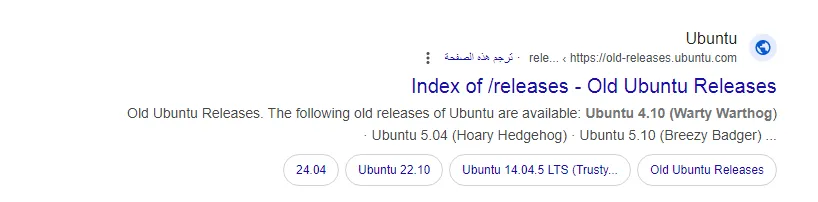
Go to one of the search engines and type (ubuntu old version), then choose the official website as shown in the image below.
Step two:
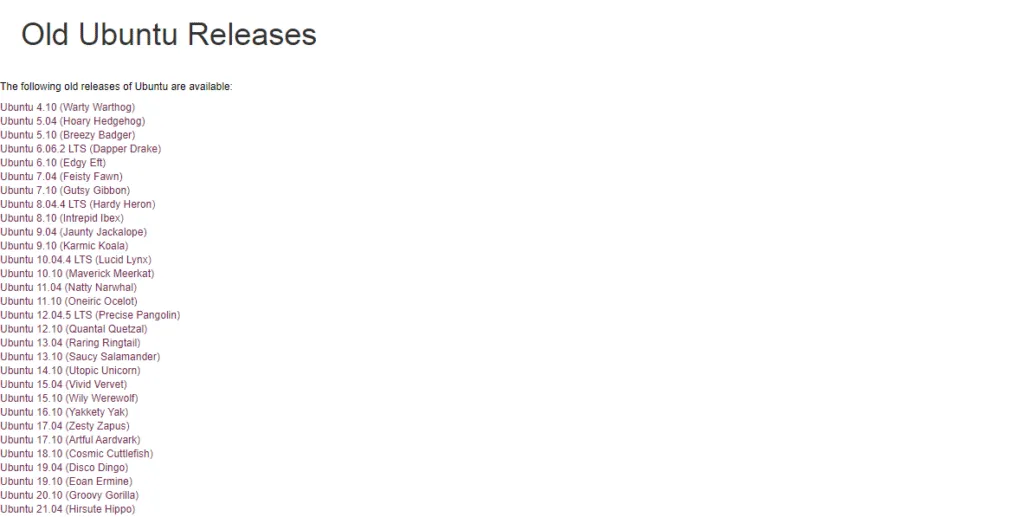
Then you choose one of the versions you wish to download, as shown in the image below.
Note: It is best to choose a chest that is close to the latest version.
Step three:
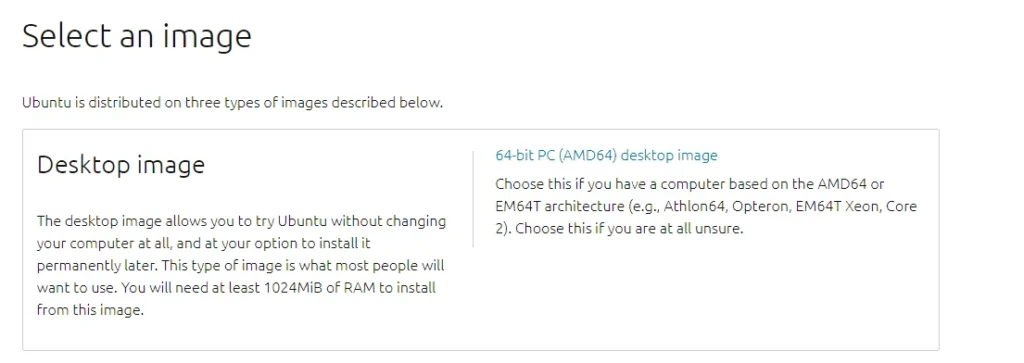
After selecting the Ubuntu version you wish to download, click on the phrase (64-bit PC (AMD64) desktop image), as shown in the image below.