In this article we will learn how to install chrome on linux ubuntu step by step, but before we begin explaining, we would like to welcome our dear visitors, welcome.
How to search on Google Chrome in Ubuntu:
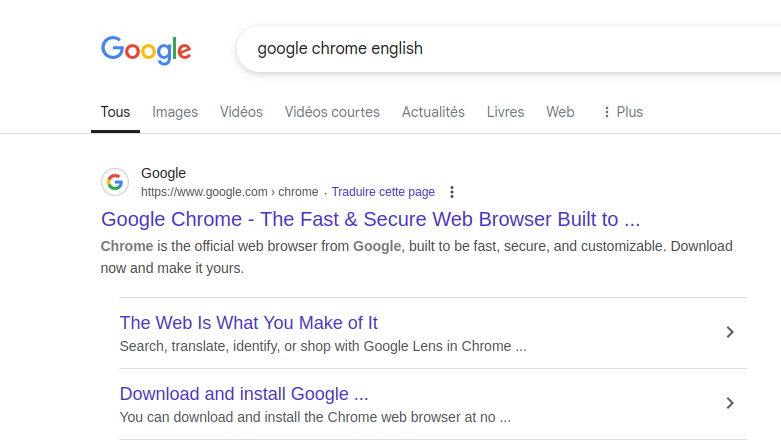
Open a web browser and type “Google Chrome” or “Google Chrome” followed by your preferred language. Then, go to the official website, as shown in the image below.
You can download it directly from here.
How to download Google Chrome on Ubuntu from the official website:
First step:
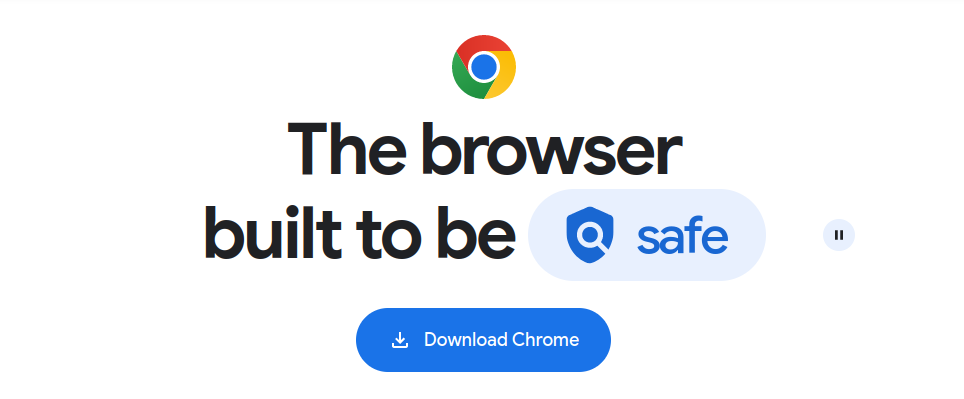
After accessing the official website, click on (Download Chrome) which is in blue, as shown in the image below.
Step two:
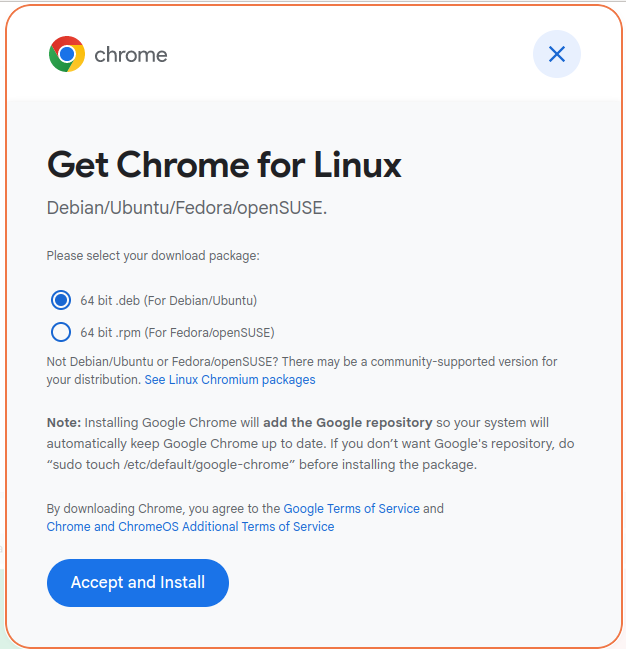
A window will then pop up; leave the option selected (from Debian/Ubuntu). Then click on “Accept and install,” as shown in the image below.
Step three:
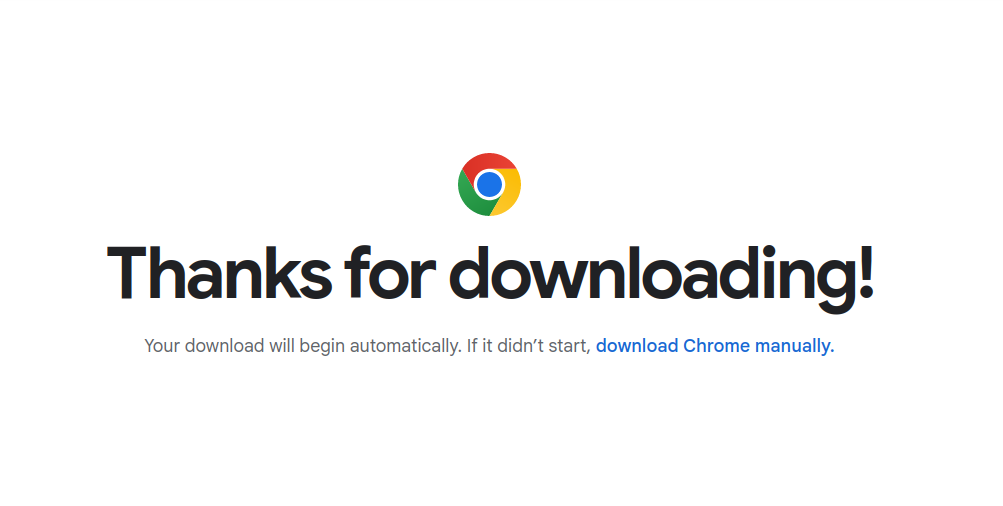
Wait until the download process starts. If the download process does not start, you can click on (download chrome manually), as shown in the image below.
how to install chrome on linux Ubuntu:
First step:
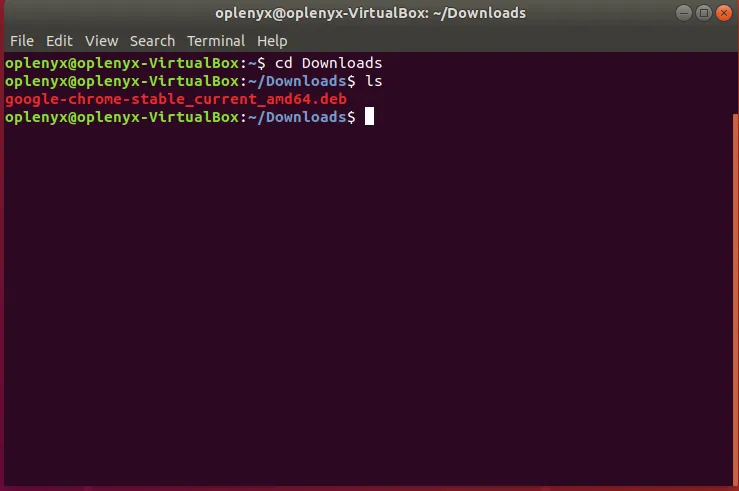
Go to Terminal, then type cd followed by the name of the file where Google Chrome was downloaded (usually the Downloads folder), and press Enter. Then type ls and press Enter to view the file’s contents, as shown in the image below.
Step two:
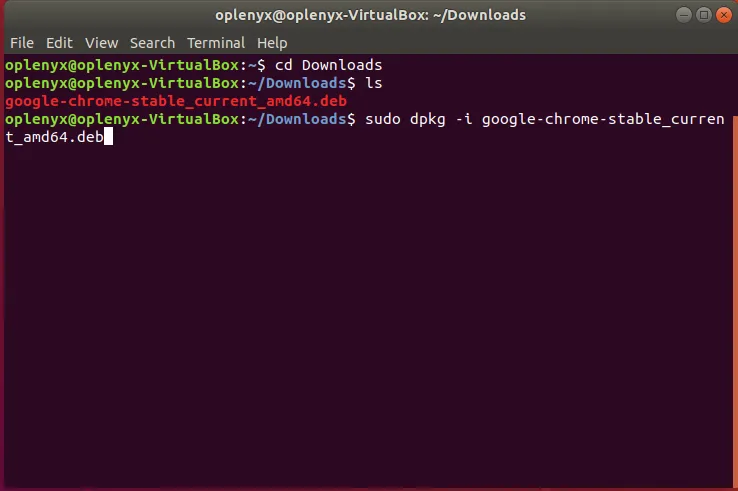
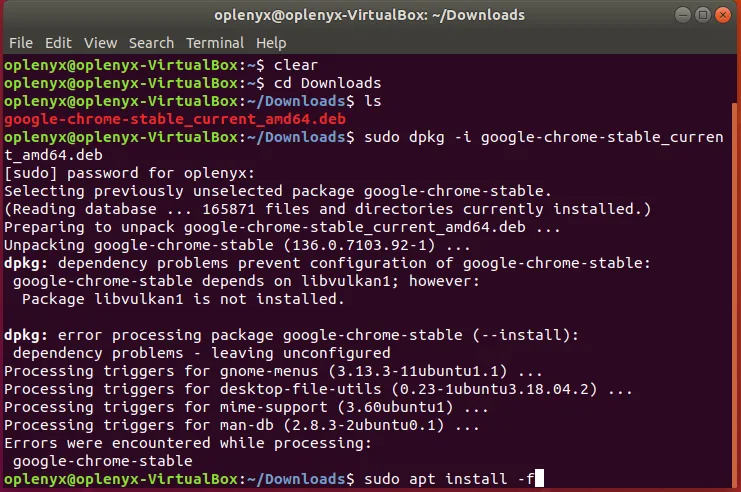
After displaying the file contents, type the command (sudo dpkg -i), then copy the full name of Google Chrome as it is written, and paste it after the command, as shown in the image below.
Step three:
Press the Enter button, then type the password and press the Enter button, as shown in the image below.
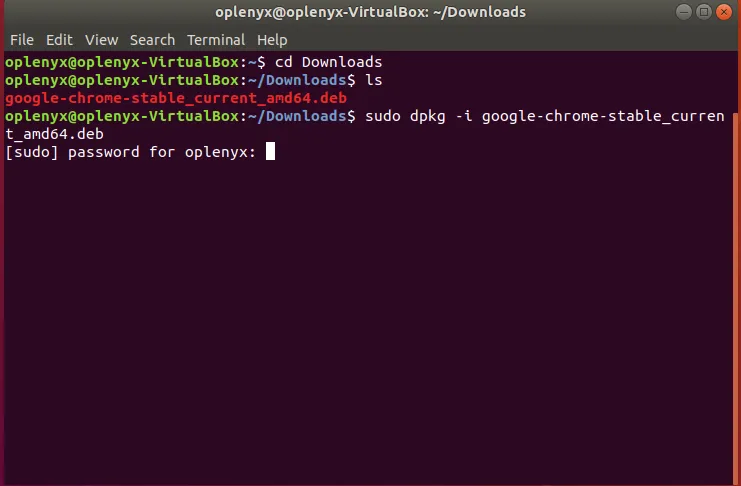
Warning: When typing the password, it does not appear on the Terminal.
Step four:
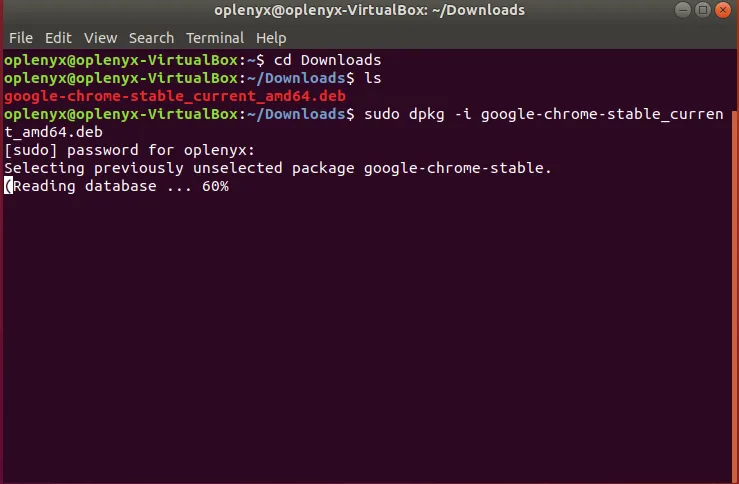
Wait until the installation process is complete, as shown in the image below.
Step five:
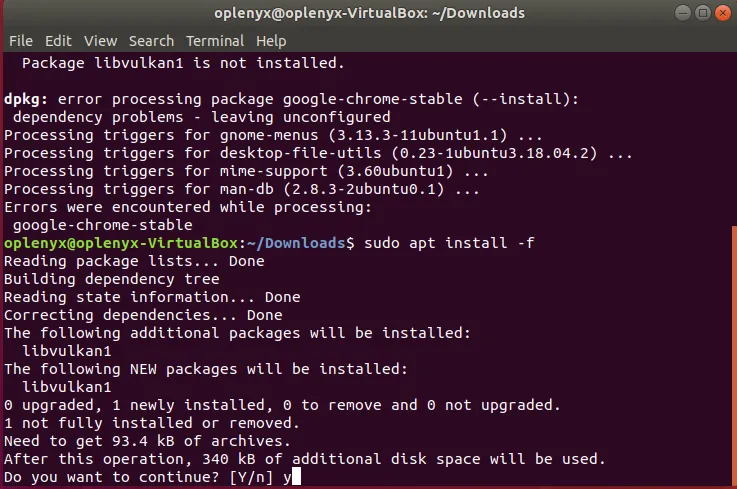
After the installation process is complete, type another command (sudo apt install -f), as shown in the image below.
Step six:
Press the Enter key and wait a moment, then press the Y key on the keyboard to continue, as shown in the image below.
Step seven:
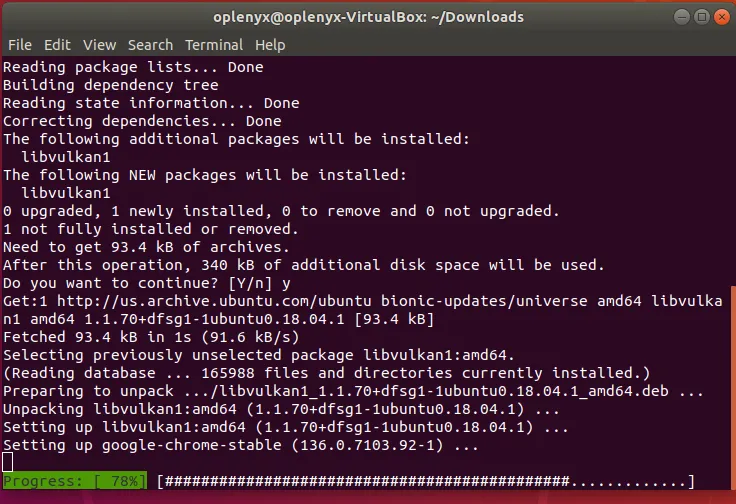
Please wait a little while until the installation process is complete, as shown in the image below.
How to run Google Chrome on Ubuntu after installation:
First step:
Go to the (show Applications) section, as shown in the image below.

Step two:
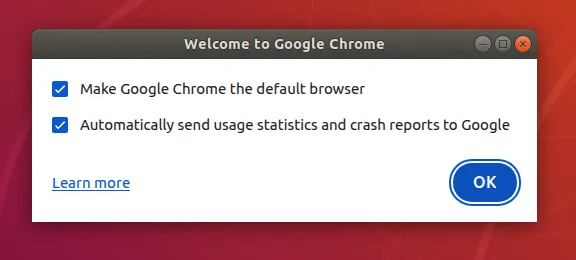
Then search for Google Chrome and launch it. The first option asks if you want Google Chrome to be your default browser. The second option asks if you want to automatically send usage statistics and crash reports to Google, as shown in the image below.
Step three:
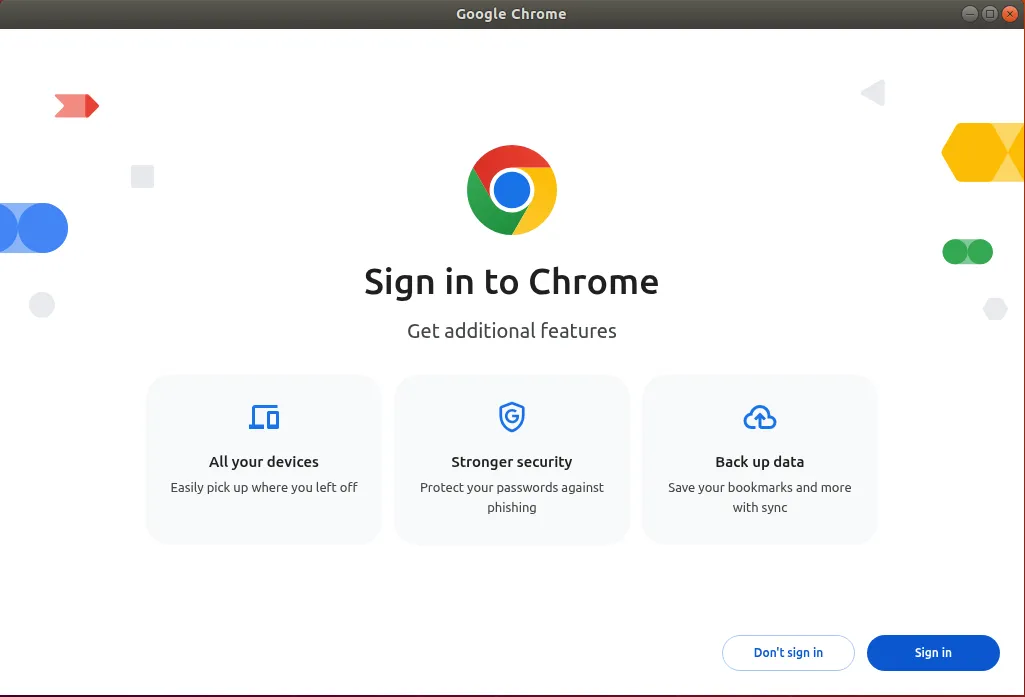
After making your selection, click OK. You can then sign up using your Gmail account by clicking (Sign in), or not sign up by clicking (Don’t Sign in), as shown in the image below.
Step four:
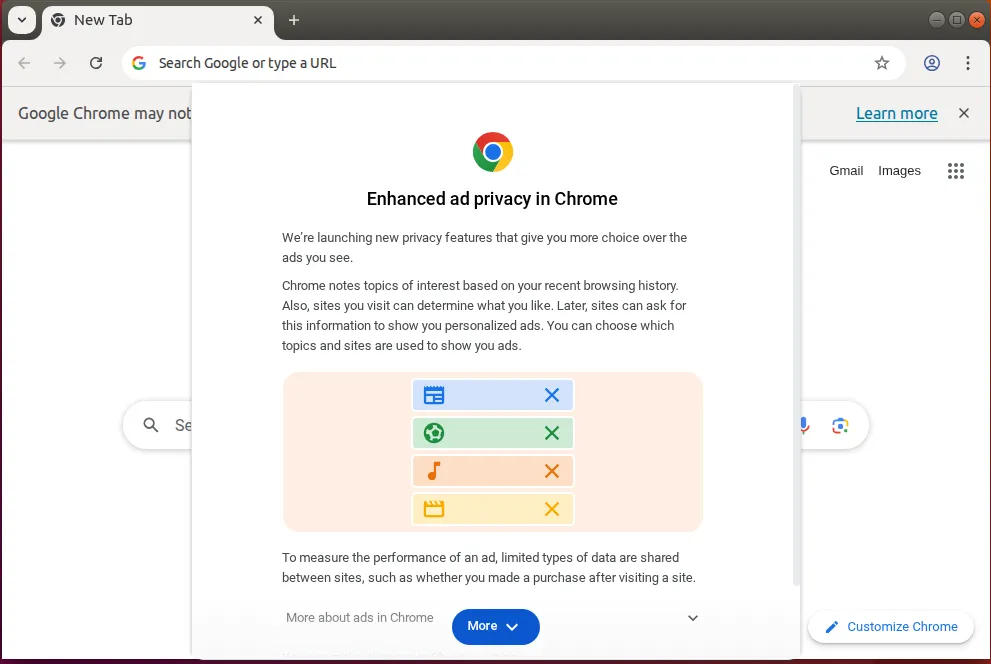
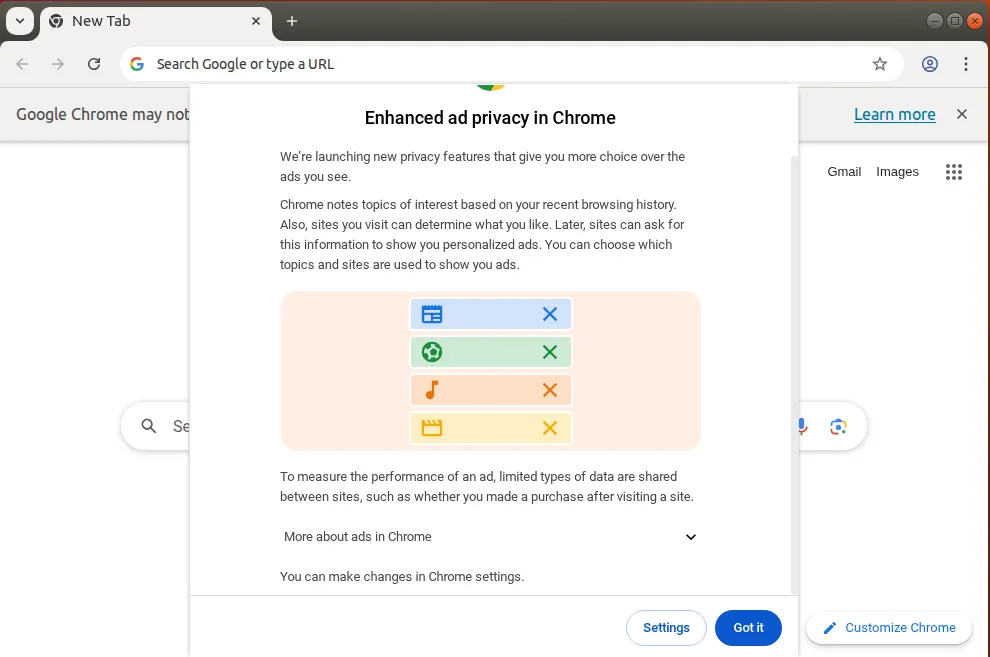
Then click on (More) and then you can go to settings or open the browser directly, as shown in the two pictures below.
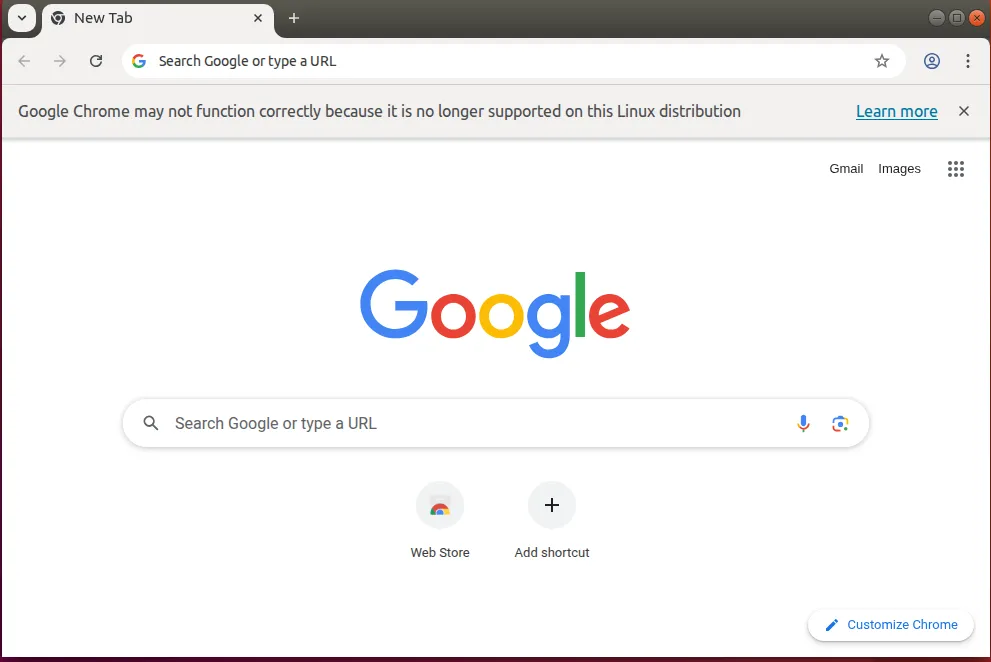
As you can see in the image below, Google Chrome has been successfully launched. This brings us to the end of this post.
Here we have reached the end of this post, in which we learned how to install chrome on linux ubuntu.