In this post, we will learn how to download VS Code for Windows 7 and Windows 8.1, and low-spec devices. But before we begin, we would like to welcome our dear visitors. Welcome.
How to search for Visual Studio Code in search engines:
First step:
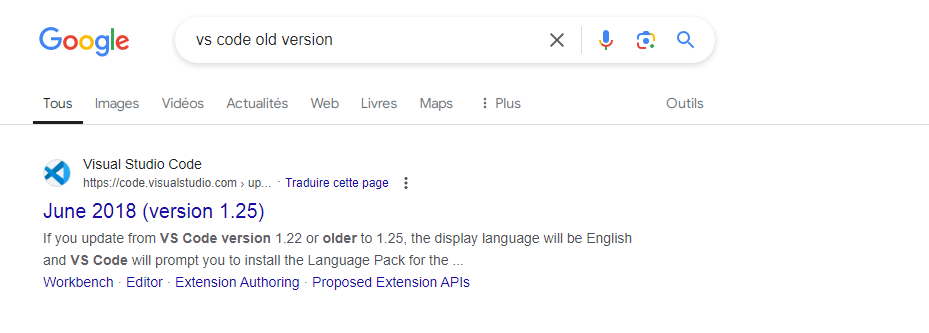
Go to a browser such as Google Chrome – or any other browser – and then type (visual studio code old version) or (old version vs code) in the search box, as shown in the image below.
Step two:
Then you select the official website as shown in the image below. You can access it directly from here.
download VS Code for Windows 7 64-bit and Windows 8.1 64-bit:
First step:
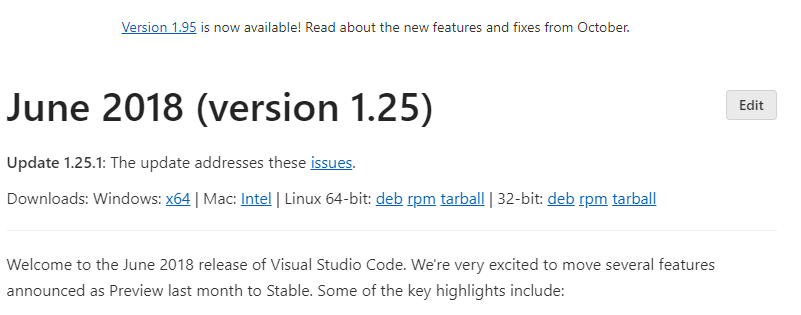
After accessing the official website, you can download the June 2018 version (version 1.25) directly by clicking on (x64), as shown in the image below.
Step two:
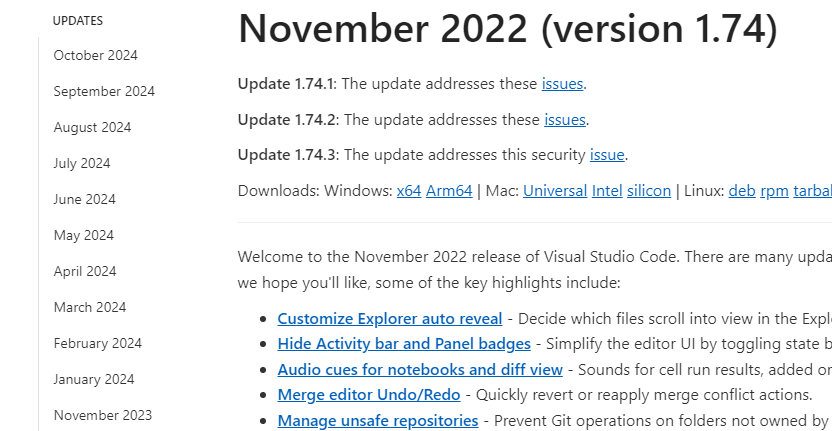
If you wish to install a newer version, you can search in the sidebar, as shown in the image below.
Step three:
After selecting the version you wish to download, click on (x64).
download VS Code Windows 7 32-bit and Windows 8.1 32-bit:
First step:
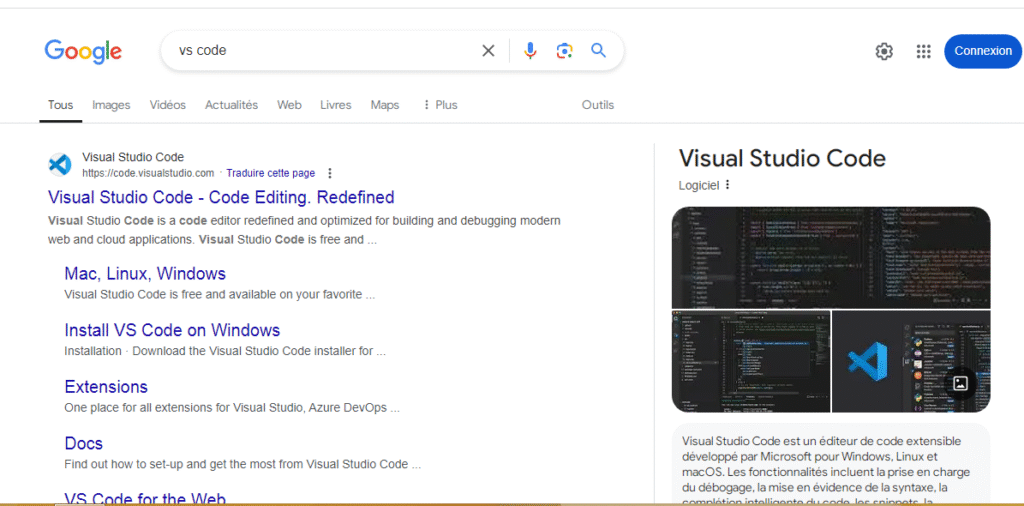
Go to one of the browsers and type (visual studio code) or (vs code), then choose the official website, as shown in the image below.
Step two:
After entering the official website, go to the (Download) button at the top as shown in the image below.
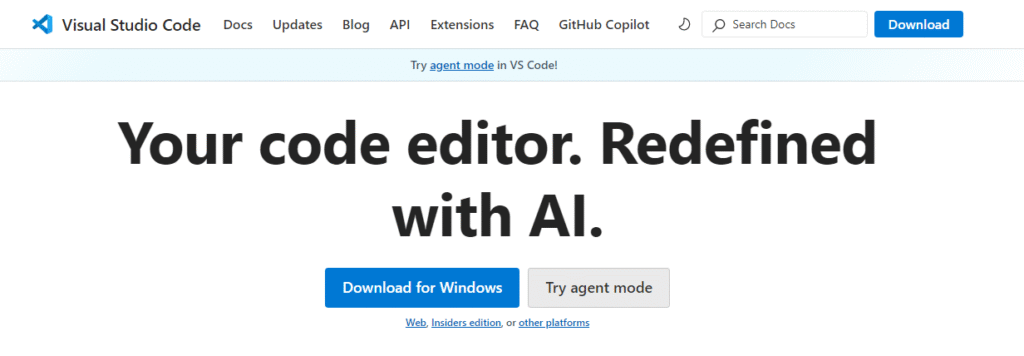
Step three:
After clicking on Download, scroll to the bottom of the page and click on the phrase (Get previous versions), as shown in the image below.
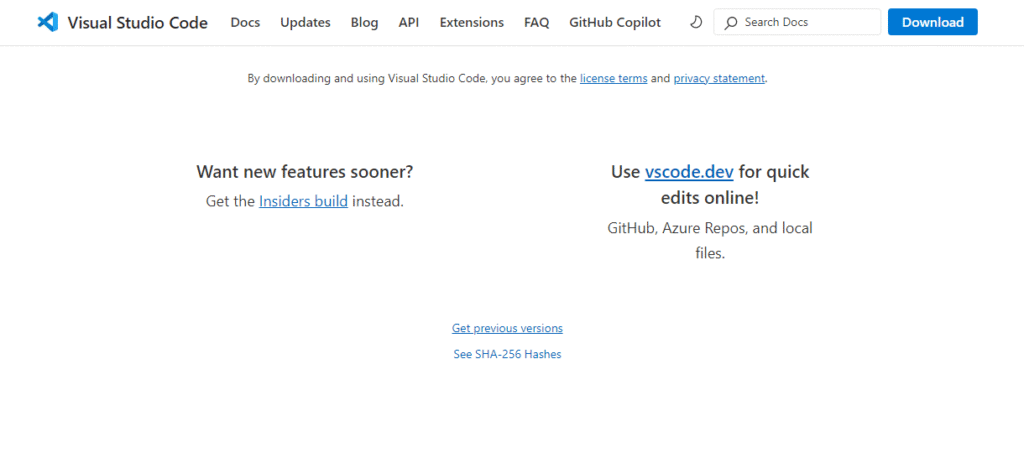
Step four:
Then scroll down until you reach the link (https://update.code.visualstudio.com/{version}/win32/stable), as shown in the image below.

Step five:
Copy this link and go to the search bar in your browser, then paste the link and change the word (version) to the version you want to download, so the link becomes https://update.code.visualstudio.com/1.50.1/win32/stable. Once you paste the link and press Enter, the download process will begin.
Note:
Here’s how to download VS Code Windows 7, Windows 8, and low-spec devices. If you’d like to download the software on newer operating systems like Windows 10 and Windows 11, you can refer to this article.